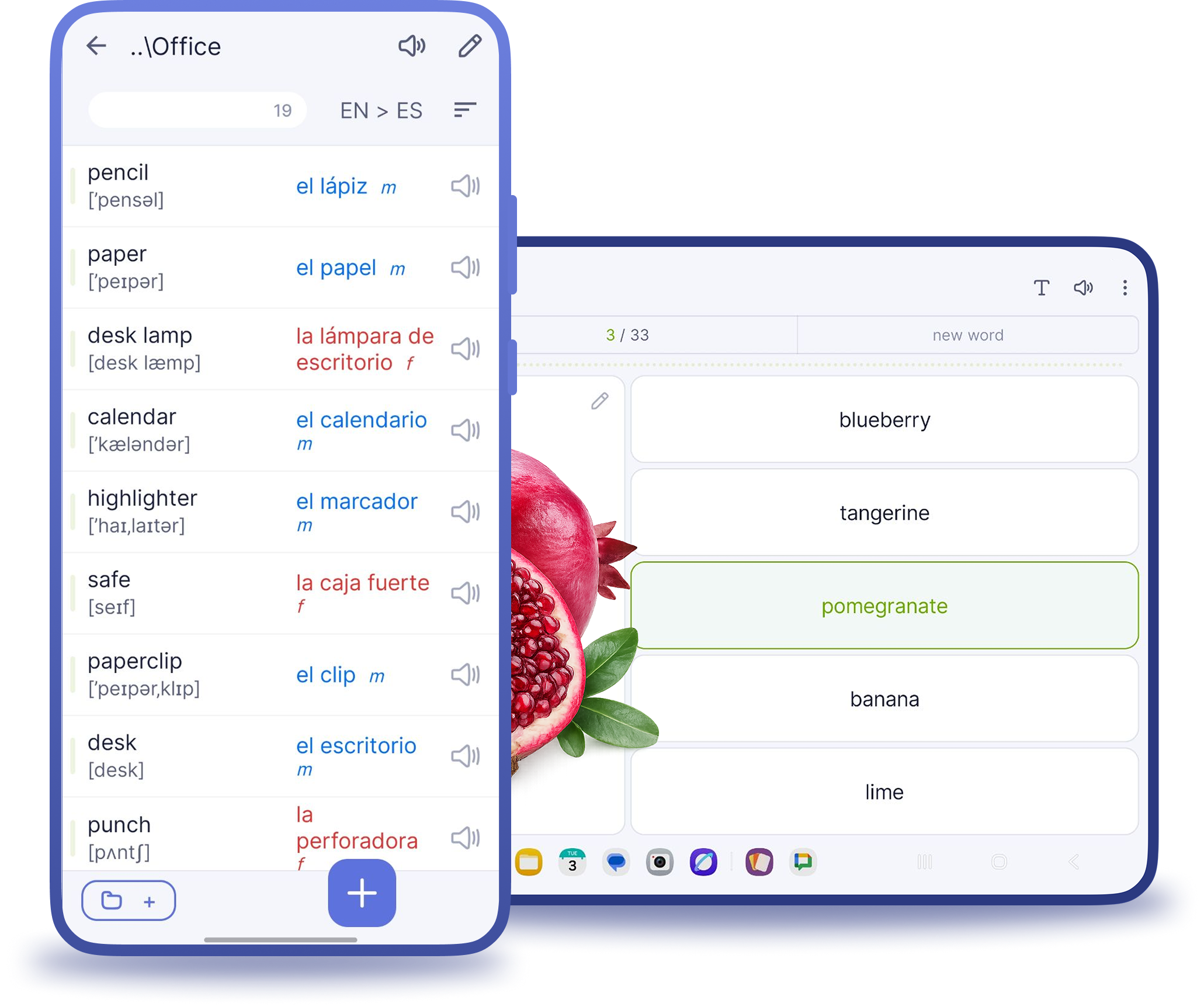
Lexilize Flashcards – a free app for language learning and vocabulary building
Manage your vocabulary in a powerful flashcards maker with games and spaced repetition.
Learn by games
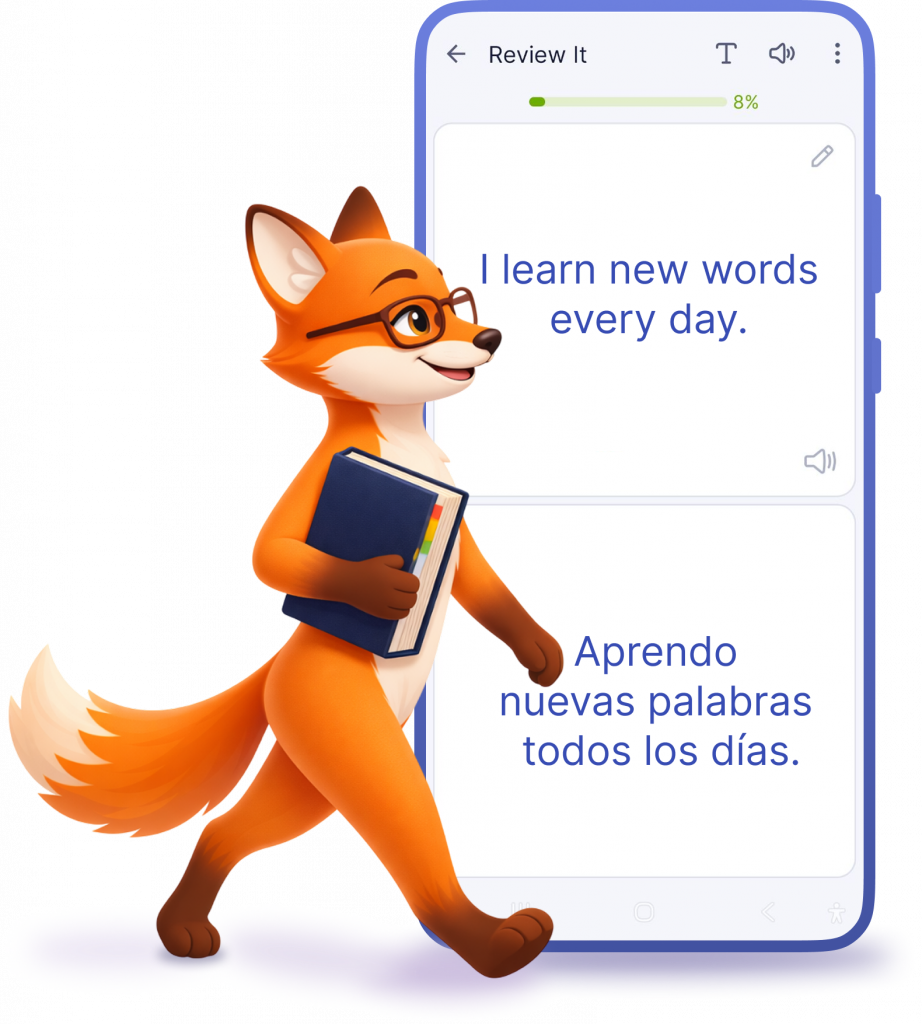
Game: Review word
You get to know the words, as on ordinary paper cards. Get acquainted with the words, repeat the pronunciation (it is important, to pronounce the words)
Game: Create pair
You get to know the words just like on ordinary paper cards. Familiarize yourself with the words and practice pronunciation (it is important to pronounce the words)
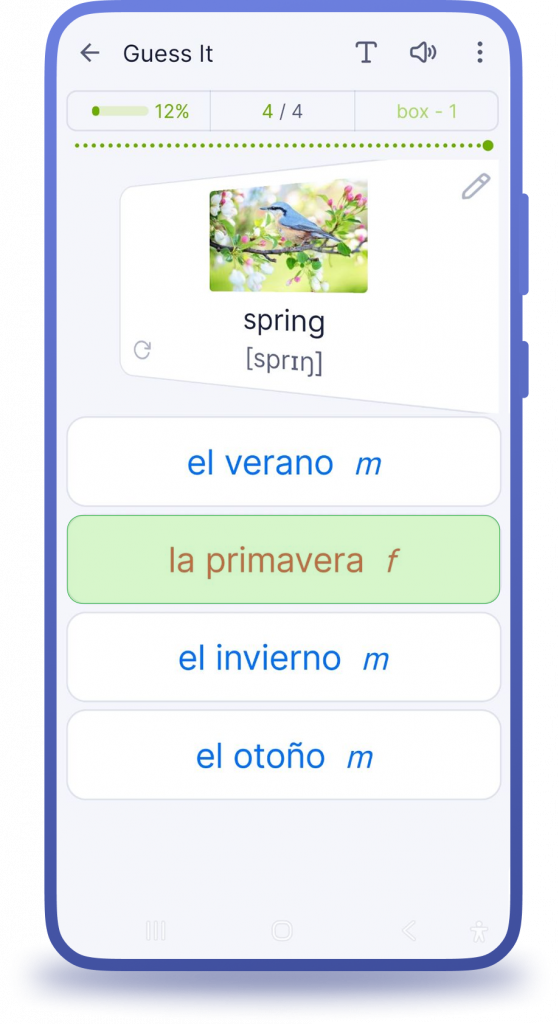
Game: Select translation
Choose the correct answer from several proposed translations
Game: Recall word
Try to check how good you have learned the word. You look at the word and try to remember the translation. Select “Remember” or “Forget”. You must be honest in this game, first of all with yourself.
Game: Type word
Most important game. Write correctly the word on learning language.
Add words and phrases with a single click
- Download pictures and funny memes directly from the Internet or your Gallery.
- When adding a new word, you can easily add the gender, an example of usage and transcription.
- App will pronounce all your words and phrases automatically using a text-to-speech module, installed on your device.
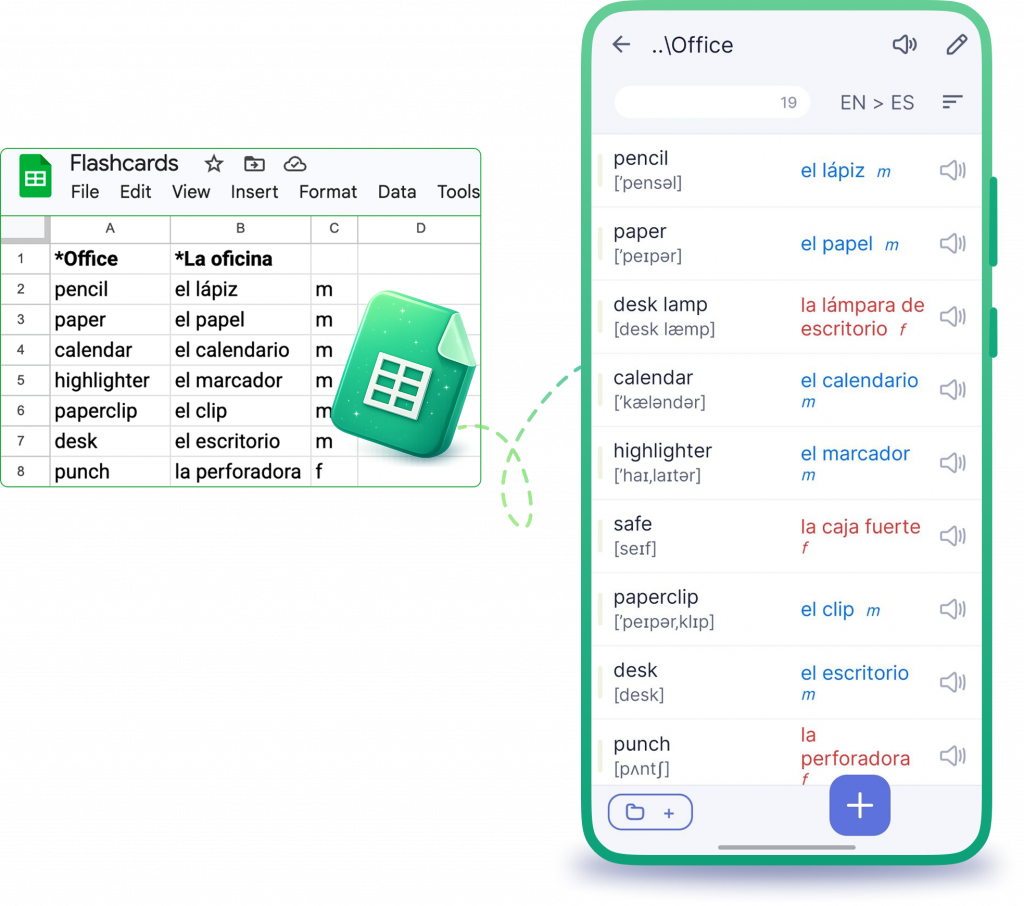
- You can import your words from Excel file.
- You can export/save your words, as well as share with your friends.
Import words from Excel files
What are flashcards?
Each flashcard bears a question on one side and an answer on the other.
Flashcards are often used to memorize vocabulary, historical dates, formulas or any subject matter that can be learned via a question-and-answer format. Flashcards can be virtual or physical.
What our users say
Frequently asked questions
Yes, the app fully supports Spaced Repetition and uses a 7-box system based on the Leitner method. You can also adjust the time intervals to better suit your learning style. Learn more about Spaced Repetition here:
Yes, you can add images to your words in the app. This feature is available in both the free and premium versions.
No, the app does not restrict the number of words or phrases in existing language pairs. In the free version, you can create up to two language pairs with no limits on the number of words or categories.
Yes, all words and phrases can be pronounced using the Text-to-Speech engine installed on your device. This feature is available in both the free and premium versions. The app typically uses Google Text-to-Speech, which supports 80+ languages, including different accents and voices. You can check the supported voices here:
https://support.google.com/accessibility/android/answer/11101402?hl=en
Yes, you can create your own word lists using ChatGPT or other AI tools and easily import them into the app using the built-in Excel import feature. The import supports translations, transcriptions, examples, and even grammatical gender.
Yes, you can enable automatic translations by adding your DeepL API key in the app. This provides AI-powered translations from DeepL. In the Premium version, this feature is available without restrictions.